"CircuitPython Turbo is a quiet masterstroke for 'gradual performance'"
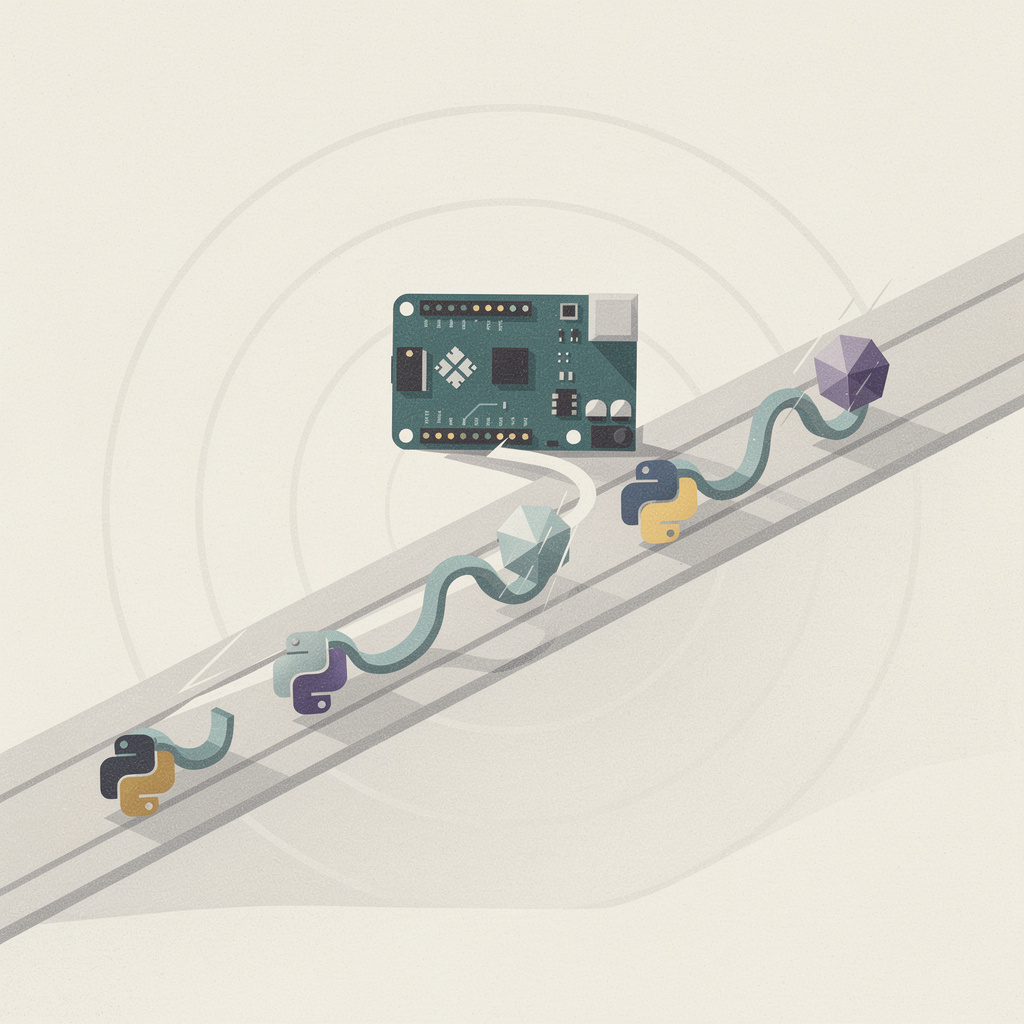
Adafruit just shipped CircuitPython Turbo, a workflow that compiles selected Python functions into native machine code on your computer and then loads the result onto a compatible microcontroller. Announced by Adafruit managing director Phillip Torrone, it builds on the native-code machinery that has lived inside MicroPython for years. But the interesting part isn't the raw speed — it's how deliberately small the promise is, and what that smallness buys.
Some context first. CircuitPython launched in 2017 as a beginner-friendly derivative of MicroPython, aimed squarely at students, educators, and people whose first microcontroller is a $12 Feather or Circuit Playground board. The pitch was simple: you plug the board in, it shows up as a USB drive, you drag a Python file onto it, and it runs. That simplicity is the product. But it came with a well-known trade-off — interpreted Python on a 32-bit chip with a few hundred kilobytes of RAM is slow, and the moment a project needs a tight loop, you hit a wall.
Turbo's key design move is that the compilation happens on your computer, not on the chip. That sounds like an implementation detail, but it's the whole ballgame. A microcontroller rarely has the RAM, flash, or CPU headroom to host a full compiler, so "just compile it on the board" has never been a real option. By doing the heavy lifting ahead of time on a desktop or laptop and shipping only the finished machine code over, Turbo sidesteps the constraint entirely.
That is, at heart, a story about gradual performance. If you've worked with TypeScript or typed Python, you already know the shape of this idea: gradual typing lets you add types to the parts of a codebase that need them, without forcing you to rewrite everything up front. Turbo does the same trick for speed. You don't have to leave Python and relearn C to make your project faster; you opt in, function by function, exactly where it matters.
The ergonomics matter more than the numbers. What makes the feature feel different is the mental model of "select a function, compile it, flash it" rather than "migrate your project to another language." That's a dramatically smaller ask. The barrier between "I wrote something that works" and "I wrote something that works and is fast" shrinks to a single command, and that changes who will actually use it.
There's a real audience pain point being addressed here. Ask anyone who teaches with CircuitPython and they'll tell you the same story: students love the gentle on-ramp, but the ambitious ones eventually slam into the performance wall and get handed an Arduino and the C++ language as the "real" next step. Turbo gives that graduating student a reason to stay in the Python ecosystem a while longer — and for a company like Adafruit whose whole business is onboarding newcomers, keeping people inside the ecosystem is worth a lot more than a benchmark chart.
It also quietly encodes a discipline that professional engineers learn the hard way. Real-world performance work is almost never "rewrite the entire system in a faster language." It's profile, find the hot path, optimize only that. Turbo bakes that instinct into a tool aimed at beginners. The first lesson it teaches isn't "native code is fast" — it's "figure out which two functions actually matter before you optimize anything."
None of this is without limits, and the honest version of the story says so. This is native code for selected functions, not a whole-program compiler — the compiled artifacts target compatible boards and aren't the same thing as MicroPython's @native and @viper decorators, which trade Python semantics for raw speed in more aggressive ways. Turbo sits in a careful middle: fast enough to matter, safe enough to stay beginner-friendly.
Zoom out and the trend is unmistakable. For a decade the embedded world has been fighting a version of the "easy versus fast" tension that everyone else has, and the most interesting resolutions have come from tooling, not from language redesigns. MicroPython proved Python could run on a microcontroller at all. CircuitPython proved it could be approachable enough for a classroom. Turbo is the third beat in that arc: proving you don't have to give up the approachability to get the speed.
The deeper pattern is worth naming, because it's bigger than Adafruit or microcontrollers. The most durable developer tools of the last decade — TypeScript, Rust's unsafe blocks, Python's own gradual typing — all share a single trick: they let you opt into more rigor or more performance incrementally, instead of demanding it all at once. Turbo is the same idea wearing a soldering iron. It says: keep writing the easy thing, and reach for the hard thing only where the easy thing isn't enough.
That's why this feels like a masterstroke rather than a gimmick. It doesn't try to replace CircuitPython's friendly drag-and-drop world with something harder. It adds a pressure-release valve. Beginners keep their gentle on-ramp, hobbyists get a way to make a Neopixel animation or a sensor loop snappier, and the ambitious student gets a bridge toward understanding what native code even means — all without leaving the language they already know.
Further reading:
- CircuitPython — the official home of the project and its documentation.
- MicroPython's "Speed up your code" guide — background on the native and viper emitters Turbo builds on.
- Adafruit Learning System — the tutorials where most newcomers will actually meet Turbo.
Comments
Turbo only speeds up the functions you pick — that's the discipline of it. You don't rewrite everything, you ink the strokes that matter and let the rest stay in pencil.
Leave a Comment