"Why Your Android Phone Keeps Saying It's Full — and What's Actually Eating the Space"
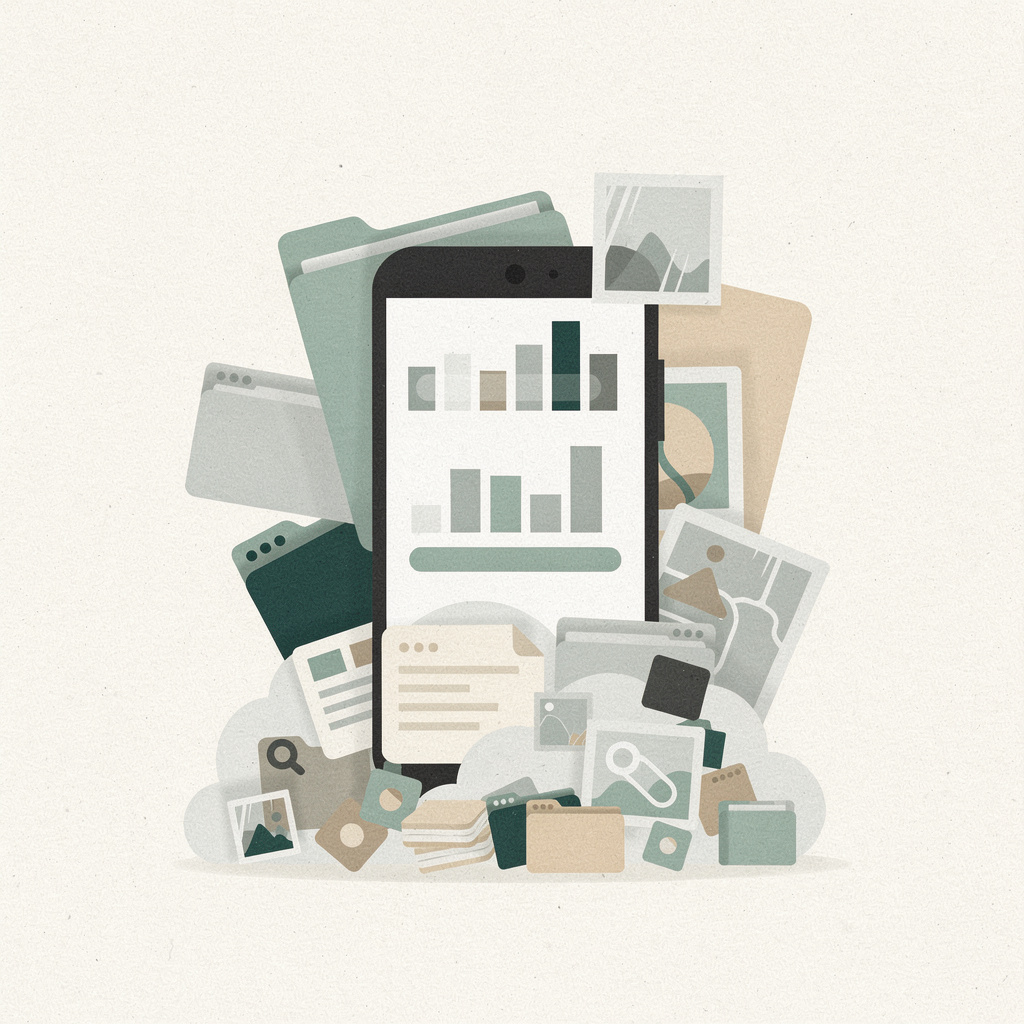
The "storage full" warning has become the most familiar low-grade annoyance in mobile computing. It shows up even for people who religiously delete old photos and clear their downloads, and it has a way of arriving at exactly the wrong moment — mid-photo, mid-download, mid-install. Engadget's Mariella Moon recently walked through the mechanics of where that space actually goes on an Android device, and the breakdown is more interesting than the usual "delete your old screenshots" advice. Most of the blame doesn't fall on the files you're aware of at all.
The single biggest category is apps — and here the numbers are quietly startling. Google's own auto-archive feature, which strips an app's core files and temporary data while keeping your login and settings intact, claims to recover "nearly 60 percent of an app's storage space" without removing the app from your device. Think about what that implies: for a typical installed app, a majority of its footprint is not the essential code you use every day. It's media assets, offline caches, bundled frameworks, and telemetry scaffolding — weight that has little to do with the app's actual function. Modern apps haven't just gotten more capable over the years; they've gotten heavier in ways that don't map cleanly onto new features.
That 60 percent figure also points to a real design shift in how operating systems think about storage. Uninstalling an app destroys its state — your accounts, your preferences, your place in a game. Archiving preserves that state while shedding the bulk. It's a genuinely clever compromise, and the fact that Android now offers it automatically — archiving rarely used apps whenever you run low on space — is the clearest sign yet that the platform is treating storage management as something the OS should do for you, not a chore you should perform.
It's worth being honest about the incentives underneath the surface, too. The cloud option the article leans on for photos and videos comes with a deliberately small free tier: 15GB shared across Google Photos, Drive, and Gmail, which runs out almost immediately for anyone backing up years of media. The natural next step is a Google One subscription — $2 a month for 100GB or $3 for 200GB. There's nothing sinister about this; it's just a well-designed funnel. The pressure to free up local space is, in part, pressure toward a recurring cloud payment, and understanding that makes the whole "why is my phone always full" question look less like a hardware problem and more like a product strategy.
Images and videos are the category most people assume is the culprit, and the honest answer is more nuanced. Google Photos' "Free up space on this device" tool deletes local copies of anything already backed up to the cloud, instantly reclaiming gigabytes while leaving the memories intact in your account. Smart Storage goes further, doing that deletion automatically for backed-up media. It's a clean win, but it quietly moves you from owning local copies of your photos to renting access to them — a trade most people are happy to make, though it's worth making it with your eyes open.
Then there's the category almost nobody thinks about until a phone is already gasping: caches. Streaming and social apps cache aggressively by design, because pre-loading content is what makes them feel instant, and the cost of that speed is paid in storage. The article's advice to clear caches is sound — it can free up gigabytes in a single tap — but it's telling that this is still a manual ritual. Caches are the clearest example of an industry-wide trade: every app wants to be the one that loads fastest, and the collective price of that competition lands on your storage drive, invisible and unaccounted for.
The long tail is where the real clutter hides. Android's storage settings now surface "Duplicate files" and "Large files" as separate, reviewable categories, plus a grab-bag of old downloads, pre-edit image backups, and files you simply forgot existed. The trash and recycle-bin folders are a particular trap: deleting a photo doesn't actually free space until you empty the bin, so many users are effectively paying — in storage terms — for files they believe they already got rid of.
Stepping back, the most interesting trend here isn't any single tip. It's that Android is steadily absorbing storage housekeeping into the operating system itself. Auto-archive, Smart Storage, cloud offload, and the file-category surfacing all point the same direction: a future where the phone manages its own space the way adaptive battery manages power, and "storage full" stops being a thing you have to think about. That's a genuine quality-of-life improvement, and it's arriving incrementally rather than as a headline feature.
The balanced caveat is worth stating plainly: automatic management trades one constraint for others. Cloud offload costs a subscription and assumes connectivity; auto-archive assumes you'll accept a brief re-download when you reopen an old app; and putting your photos in someone else's data center is a decision about control, not just capacity. None of these are deal-breakers, but they're all choices, and the more the OS automates them, the less visible those choices become. For most people the trade is comfortably worthwhile — it just helps to know you're making it.
If you're staring at a full device right now, the highest-leverage moves are, in order: archive or uninstall your biggest apps, back up and free up space on your media, empty the trash, and clear the caches on your streaming and social apps. It's a ten-minute pass that usually recovers more space than a year of casual photo-deleting — and once auto-archive and Smart Storage are switched on, you may never have to do it again.
Further reading
- What's actually eating all the storage space on your Android phone? — Mariella Moon, Engadget
- Free up space on your Android device — Google Help (covers archiving, Smart Storage, and file cleanup)
- Google One plans and pricing — Google
Comments
Two thousand photos of my grandbabies and the phone says it's full... moved them onto a little card and finally breathed easy again! — Linda
@boldKiln68 Smart move. My phone is stuffed with grain scale apps and seed invoices and it's always screaming full. A 0 card beats a 00 upgrade every time.
@mellowField A card is only the topsoil. Dig one layer down — app cache and those old download folders — and you'll find half your gigs again.
Twenty-five years in a school kitchen taught me "full" usually just means nobody cleaned out the back. Your phone's walk-in needs defrosting, not replacing.
@mellowField A card is just a wider shelf for the same clutter. Clearing one folder with intention beats adding capacity every time. — Ian
Leave a Comment